



- Inicio
- Información y ayuda
- Preguntas frecuentes
- Cómo registrarse y utilizar la Sede electrónica
Cómo registrarse y utilizar la Sede electrónica
Cómo acceder a un trámite
Desde la página https://sede.educacion.gob.es/ 
- En el menú de la izquierda, accediendo a “Catálogo de trámites y servicios” y navegando hasta encontrar el trámite deseado, aparecerá el botón “Acceso al servicio online”.
- En la zona central, accediendo a “Trámites y servicios” y navegando hasta encontrar el trámite deseado, aparecerá el botón “Acceso al servicio online”.
- En la zona central, accediendo a “Trámites y servicios” y utilizando el buscador de texto, encontramos el trámite deseado y “Formulario de solicitud y consulta de solicitudes”
Búsqueda
Una vez en Trámites y servicio, encontramos la herramienta de búsqueda:
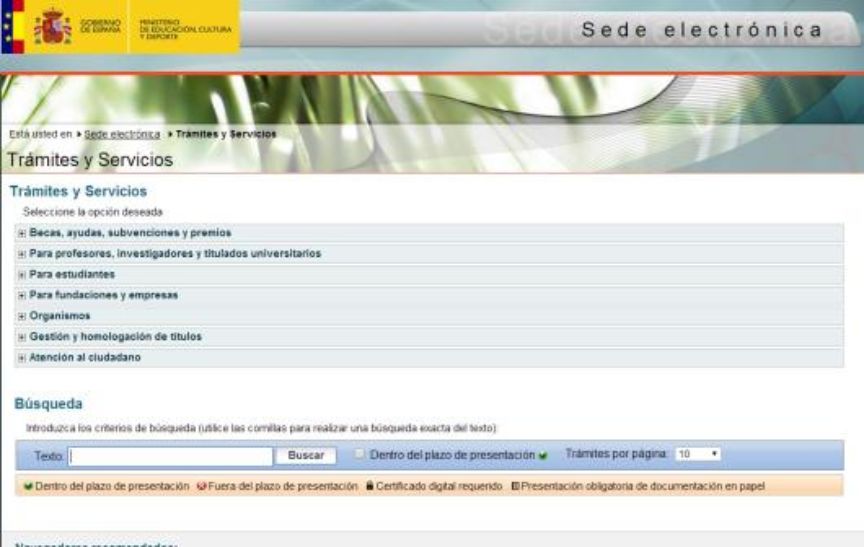
Podemos buscar tanto por el título del trámite, palabras clave asociadas, y plazo de presentación.